Participants Brief
You're on this page because you will actively contribute to the FAB26 program. Congrats and thank you! We've prepared an overview to help you get ready for your session and know what to expect.
GENERAL GUIDELINES
-
Read the specific guidance for your session type below, this is the best way to get prepared and make sure everything runs smoothly.
-
You’ve received your confirmed time slot by email in the next couple of week and will be able to see it on the official schedule soon. If there are any changes, we’ll always notify you via email.
-
Before you arrive, please read the key FAQs below. They cover the most important things you need to know.
FAQ GENERAL PARTICIPATION
-
⚠️ Please email us immediately at fabevents@fabfoundation.org. The sooner we know, the better we can adjust the schedule or inform participants. We totally understand that life happens, just don’t ghost us, please!
-
No, the afternoon sessions are not officially recorded or live-streamed, but you are welcome to connect you computer, set a zoom or google meets and record. Please do notify your participants.
-
Find any FAB26 staff, they’ll be easy to spot in their recognizable t-shrits. Just let them know what you need, and they’ll guide you. They can contact the right person for your situation, help with AV setup, navigation, or basically anything else you might need.
-
Yes, please! Arriving early helps everything run smoothly. In general arrive at least 30 minutes before your session starts.
-
The rule is simple: first come, first served. If you decide to let more people in, make sure your session will still be doable and deliver the intended outcome with the extra attendees. If the room gets too full or more people show up than expected, kindly ask them to leave or ask a FAB26 staff member for assistance, we’ll help manage the flow.
-
🎟️ Absolutely! You’re welcome to join any open sessions when you're not presenting: explore, learn, and connect with fellow makers.
TALKS
IMPORTANT INFO
- The talks take place in designated rooms (see below) during the afternoons between 14:30–18:30.
- Our stage manager, Rodney Williams will be in the room to help with AV equipment and check timings. You’ll have everything you need: screen and a computer.
- Please stick to the 10-minute limit it helps everything run smoothly and shows respect to fellow speakers and the audience.
- ⚠️ We have created a Google Drive with separate folders for each day so you can upload your presentations. Remember to include your name and the name of the session. Google Drive´s folder here ⚠️
C | E-14 Media Lab
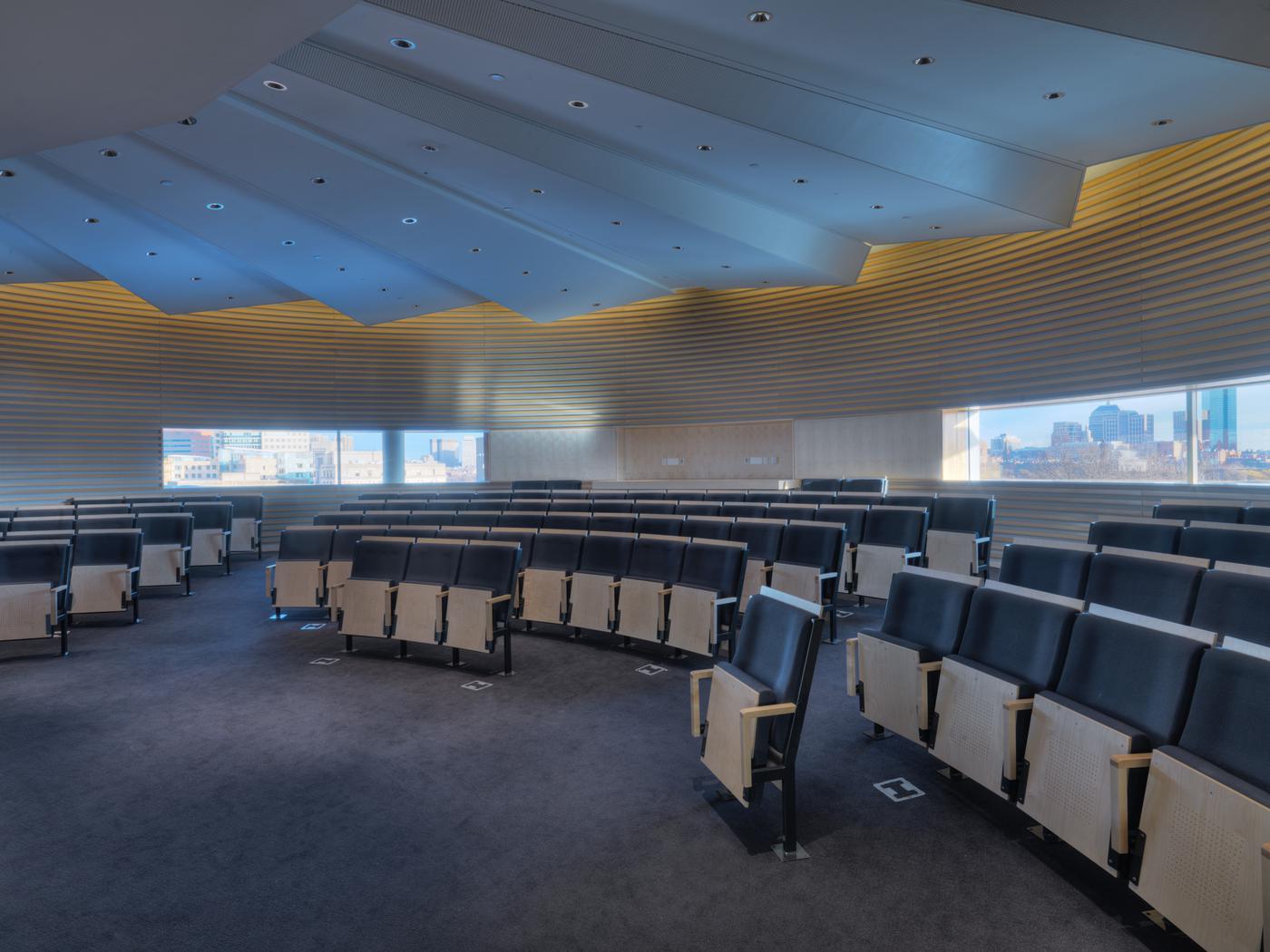
- University – Auditorium with elevated seating
- Room: 633 on the 6th floor
- Capacity: 100
- Connectors: HDMI, VGA, AirPlay
D | Museum, 2 Exchange Room
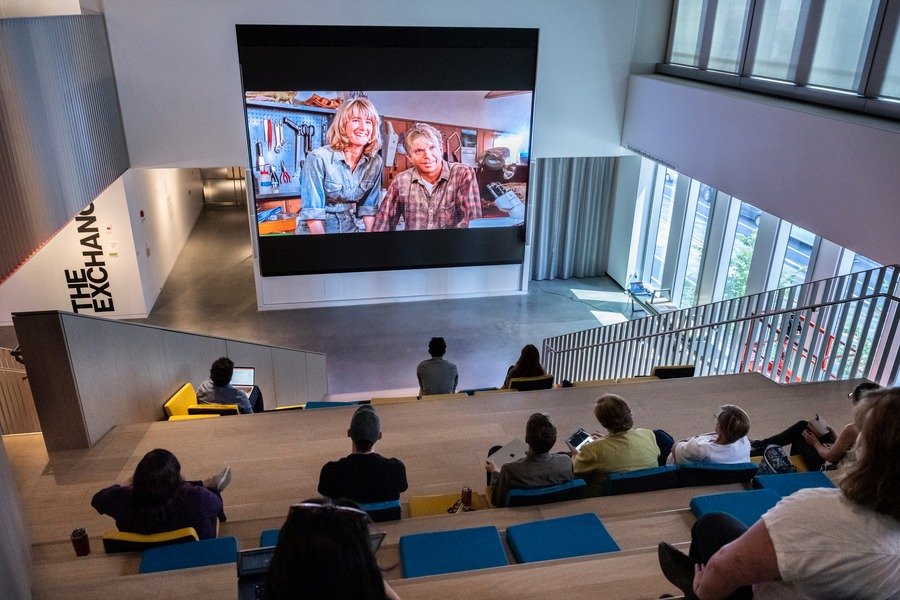
- MIT Museum
- Room: D | Museum, 2
- Capacity: 100
- Connectors: HDMI, VGA, AirPlay
HANDS-ON WORKSHOPS
IMPORTANT INFO
-
Your sessions will take place in the afternoon blocks. The exact room setup will depend on the building and the machines required.
-
The materials for your hands-on workshop will be available for pickup on the day of your workshop, between 2 and 2:30 PM.
-
If your workshop is happening at the Fab Hub Kendall, or the Museum, pickup is at the storage room next to the freight elevator.
-
If your workshop is at MIT E14, material pickup is at the machine shop (E14, ground floor).
-
FAB26 staff will be available near the rooms to support you with AV or other logistical needs. You'll be able to connect your laptop to the projector/TV if needed, to display anything essential during your workshop.
-
⚠️ Please arrive at least 30 minutes before your workshop starts. This gives you time to check that everything you need is in place and if anything’s missing, we’ll have time to fix it.
-
⚠️ Basic room rules: ❌ No open fire ❌ no smoke (If soldering, sit near a window and open it) ❌ no chemicals ❌ do not move furniture between rooms. In case you're unsure, always ask the FAB26 staff present.
-
⚠️ Be sure to check out the hands-on workshops FAQs below, it covers a few important specifics you shouldn’t miss.
C | E-14 Media Lab
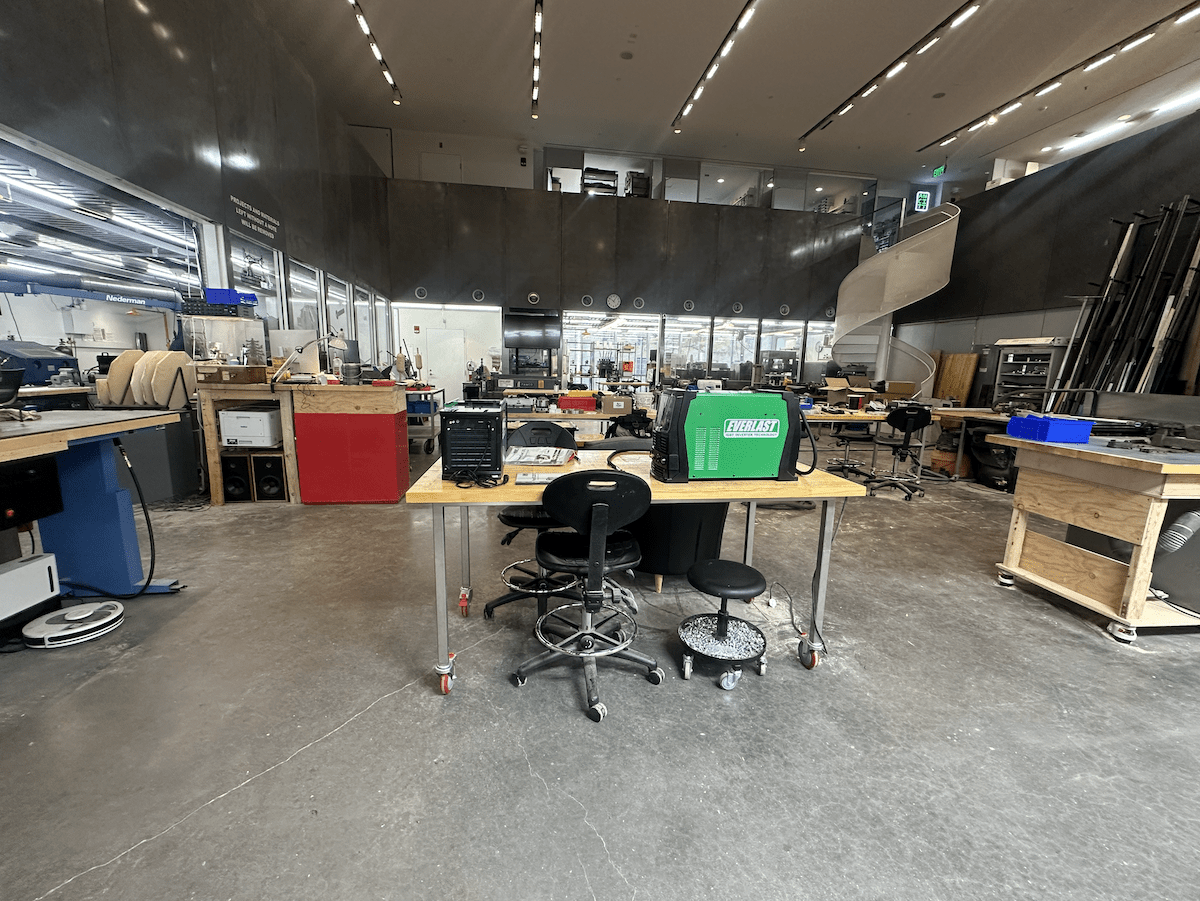
- Mars Lab capability with machines and wokring area for activities
- University rooms with various seating setups and capacities
- Equipment: tables, chairs, whiteboard on some rooms
- AV equipment available: projector (HDMI, USB-C), speakers
- MATERIAL ROOM: G Floor of C | E-14 Media Lab; go there if you require extra materials, in case they are not ready in the room
E | FHK (Fab Hub Kendall)
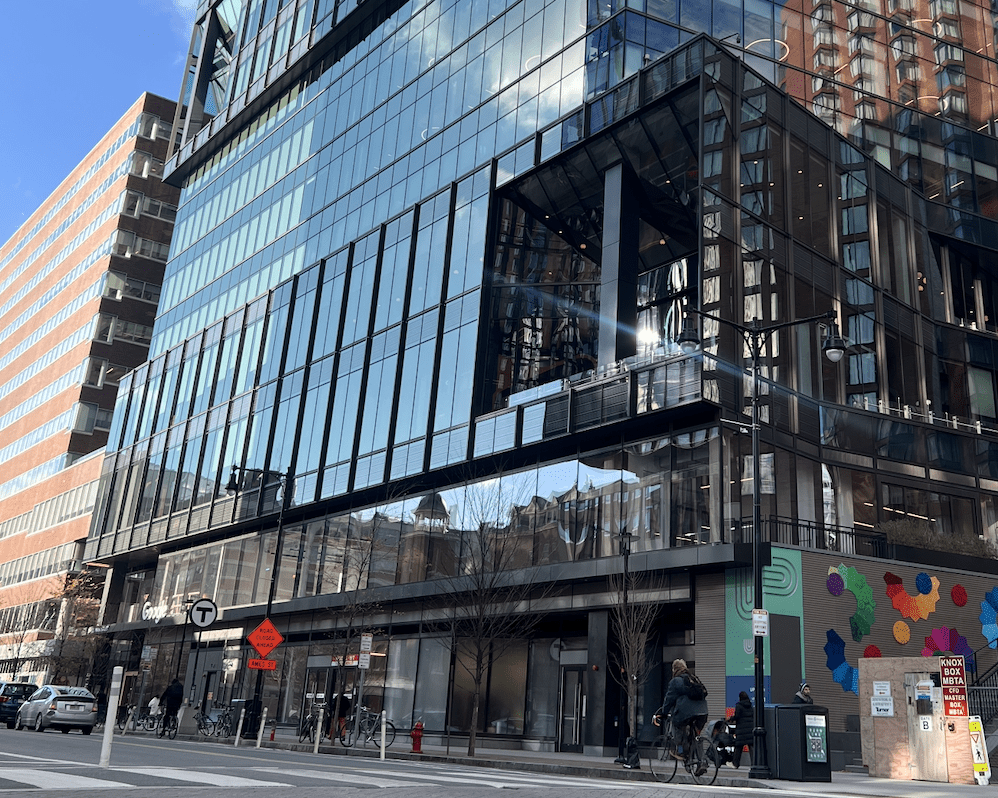
- Fab Lab Setup – workshop nests with various seating setups and capacities
- Equipment: tables, chairs, flipcharts
- AV equipment available: TV (HDMI)
- MATERIAL ROOM: Go there if you require extra materials, in case they are not ready in the room
FAQ HANDS-ON WORKSHOPS
-
First, stay calm! We’ve got your back. If something’s missing, find a FAB26 staff member (look for the T-SHIRTS!) as soon as possible.
We’ll double-check your submission and do our best to solve it on the spot or find a workable alternative. With literally hundreds of sessions happening, it’s possible something slipped, thanks for your understanding!
-
If we have the materials on hand, we’ll help. If not, we’ll try to find an alternative or a creative workaround. Just keep in mind: with so many parallel sessions, we can’t promise last-minute requests can be fulfilled, but we’ll always try to support you.
-
Find a FAB26 staff member nearby (look for the t-shirts!) and report the issue right away. Our technicians we’ll check the machine, see if it can be fixed quickly, or help you switch to an alternative if needed.
-
It happens, the important thing is to let us know right away. Find a FAB26 staff member and explain what happened.
We’re not here to scold anyone, we just need to make sure everything’s safe, prevent further damage, and fix or replace what’s needed for the next session. Transparency helps us keep the event running smoothly for everyone.
-
🚑 Stop the session immediately and make sure the injured person is safe and stable. Then, alert a FAB26 staff member right away, we’ll contact medical support and handle the next steps.
If needed, the emergency number for medical assistance in Boston is 911. Don’t hesitate to call if the situation is serious and urgent.
-
🧹 Wrap things up, reset the space, and check out with a FAB26 staff member nearby. Here’s a quick checklist:
– Clean up your materials and return any borrowed equipment
– Put furniture back where it was (if you moved anything)
– Report any issues (broken tools, lost items, etc.) to the staffThank you for helping us!
-
More information coming soon
-
Yes! The FAB26 staff in each building will be ready to assist you with using the machines if you’re unsure on using it. However, don’t count on someone operating the machine instead of you during the workshop.
-
Sure, but highly flammable, toxic, explosive, or otherwise potentially dangerous materials are not allowed. This includes items like gasoline, solvents, strong acids, pressurised gas canisters, fireworks, and similar hazardous substances. If you’re unsure, please consult with us via email at fabevents@fabfoundation.org.
-
No, any leftover materials must be returned to the FAB26 team. This way, we can reuse them for other workshops and participants. Note to return only potentially usable pieces (e.g. not scraps of plywood, small pieces of vinyl etc.)
-
- Materials: All unused or leftover materials should be returned.
- Electronics All non-consumables should be returned (e.g. powerbanks, chargers, RPI boards etc.). If not sure, ask in the materials room.
- Machines: Any machines and tools borrowed for the workshop from the materials room must be returned. If they were already prepared in the room for you, don’t carry them to the materials room. If you’re unsure about a specific item, feel free to ask in the materials room.
-
🔥 It might be, but we need to manage it carefully.
If your workshop involves heating that could produce smoke, fumes, or strong odors (like soldering, melting, etc.):
– Make sure you're not right under the smoke alarms
– Make sure you're near windows and keep them open for ventilation
– Never use open flames or chemicals, those are strictly not allowed!🚨 Please note: there are sensitive smoke alarms in the rooms, and we definitely want to avoid triggering an evacuation. Better safe than smoky, talk to us and we’ll help you handle it right.
-
Each hands-on workshop has a preset virtual budget for materials. You’ll see your limit on the top of the inventory page as well as in the cart details.
-
The deadline to submit your materials and machines list is June 1st, 2026. Please make sure to submit it on time, late submissions might not be accepted due to tight event logistics.
-
No! Choose only what you truly need for the required capacity of the workshop.
-
No, this is a virtual currency system. You won’t be charged for anything.
-
The inventory system will not let you submit if you are over budget, you’ll need to adjust your selection.
-
No, please only select machines you need during your actual workshop. FabLabs in each building will be available in advance for prep work (e.g. laser cutting, 3D printing).
-
The materials for your hands-on workshop will be available for pickup on the day of your workshop, between 2 and 2:30 PM.
If your workshop is happening at the Fab Hub Kendall, or the Museum, pickup is at the storage room next to the freight elevator - see the map below for the precise location.
If your workshop is at MIT E14, material pickup is at the machine shop (E14, ground floor) - see the map below for the precise location.
-
In order to simlify the materials selection, we have prepared a kit of must-haves for most of the machines. For example, you don't have to worry about selecting solder wire for soldering or IPA for 3D printing.
-
No worries! Just email us at fabevents@fabfoundation.org and we'll help you out.
-
If you need something special, you’re welcome to bring it yourself. If this is not possible e.g. due to logistics reasons or we forgot something really basic in the inventory, please reach out via email at fabevents@fabfoundation.org. Note, that we cannot guarantee to approve such requests.
-
No, you can select any number of materials. However, when selecting machines and tools, please be realistic, their numbers are limited, and you may be asked to adjust your selection if the requested quantity is not available.
-
No, once you submit your materials and machines list, it’s considered final. If you realize you made a mistake, contact us as soon as possible at fabevents@fabfoundation.org.
-
In this case, just go to the inventory cart directly and check the checkbox "I do not require any materials" and submit the cart. That way we will know you don't need any or you bring all of them by yourself.
-
In this case, contacts us via e-mail at fabevents@fabfoundation.org. We will review your request and if approved, you'll receive a new link with the updated budget.
-
If you experience any issues accessing your unique link, please contact us immediately at fabevents@fabfoundation.org.
-
If you discover you need something extra during the event, you’ll be able to ask for it in the designated materials room. We will have some extra, but cannot guarantee it. We may not be able to supply additional items from the inventory during the event.
THEORETICAL WORKSHOPS, WORKING GROUPS
IMPORTANT INFO
- Your sessions will take place in the morning or afternoon sessions, specific room setup depends on a type and lenght of your session.
- You'll be able to connect your laptop to the projector/TV if needed, to display anything essential during your activity.
- Every theoretical style room will have a dedicated facilitation kit (sticky notes, pens, sharpies, dots and more) ready. If you're missing one, let the FAB26 staff know.
- Participants attending Theoretical Workshops and Working Groups are encouraged to bring their own laptop or mobile device, as it may be needed for some sessions.
- If your session requires computers and participants are not able to bring their own, a limited number of laptops will be available at Fab Hub Kendall. Please let us know between 2:00 PM and 2:30 PM before your session begins. To make sure we can assist in time.
Working Groups
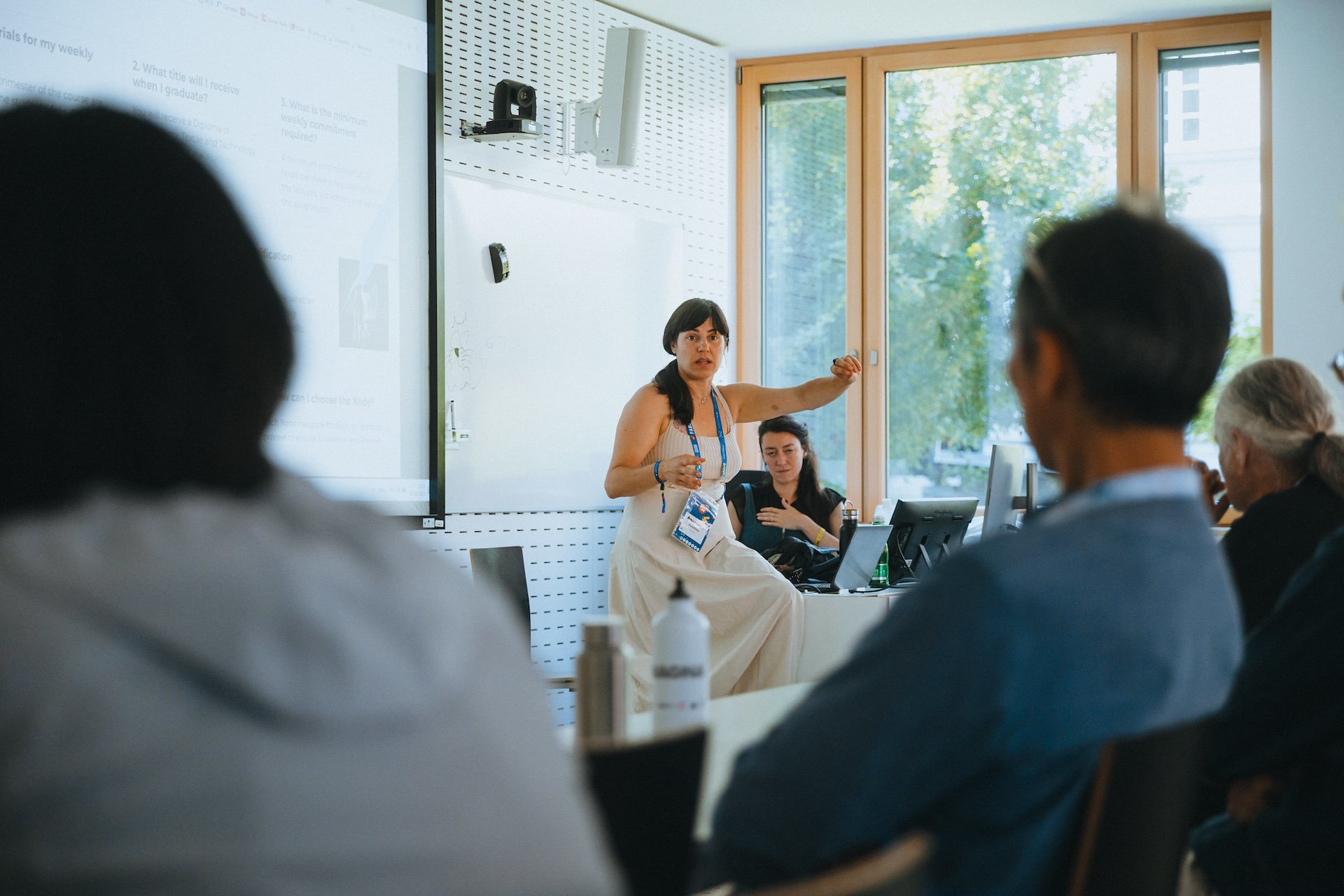
- Morning 1hr Sessions
- Kresge Audoitorum rooms with various seating setups and capacities
- Equipment: tables, chairs, facilitation kit (sticky notes, pens, sharpies, dots and more)
- AV equipment available: projector (HDMI, USB-C)
Theoretical Workshops
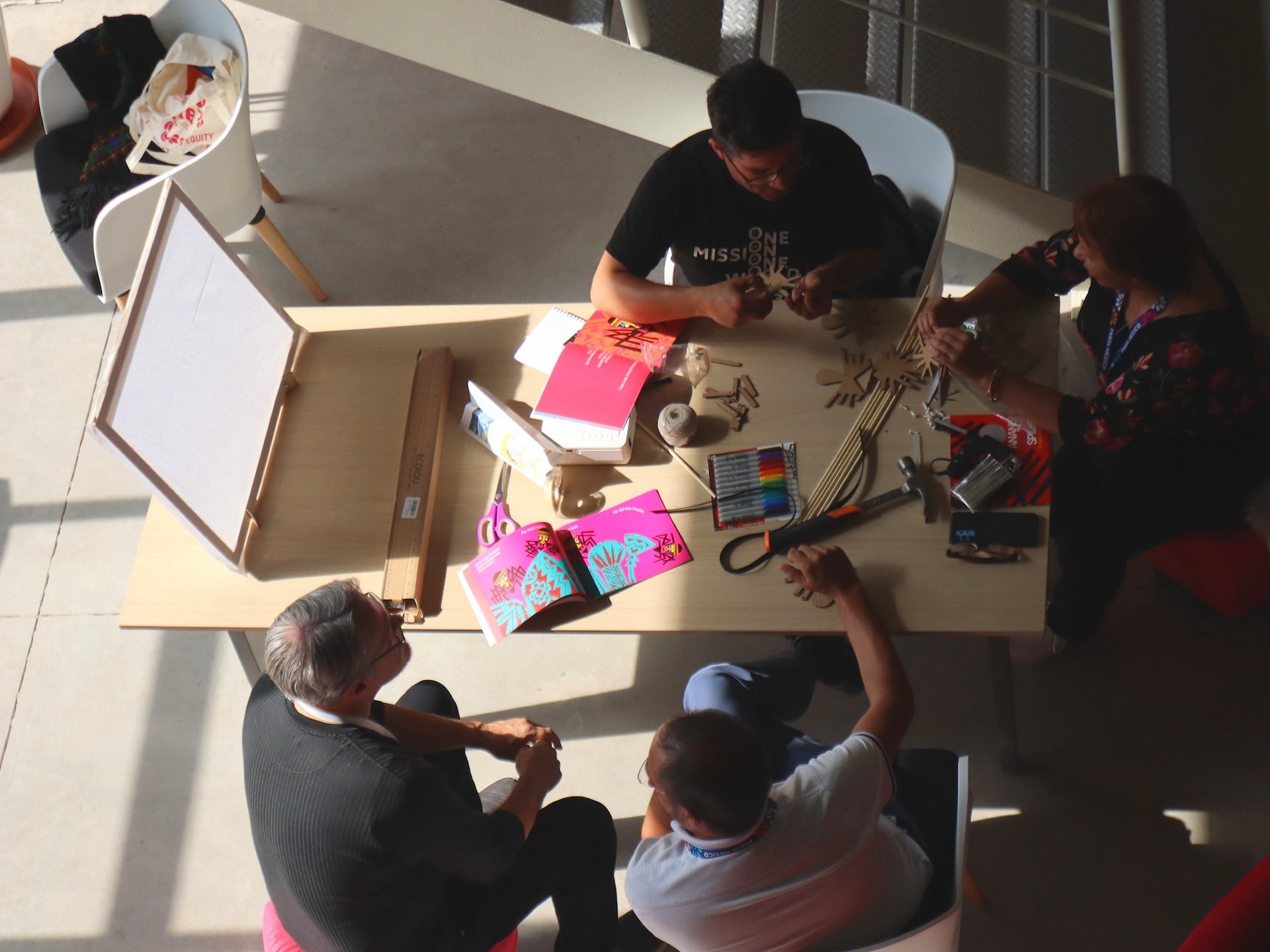
- Afternoon 2hr Session
- C | E14 Media Lab – workshop nests with various seating setups and capacities
- D | MIT Museum – workshop nests with various seating setups and capacities
- F | FHK – workshop nests with various seating setups and capacities
- Equipment: tables, chairs, flipcharts (if required)
- AV equipment available: TV (HDMI)